Avery Bunch OS
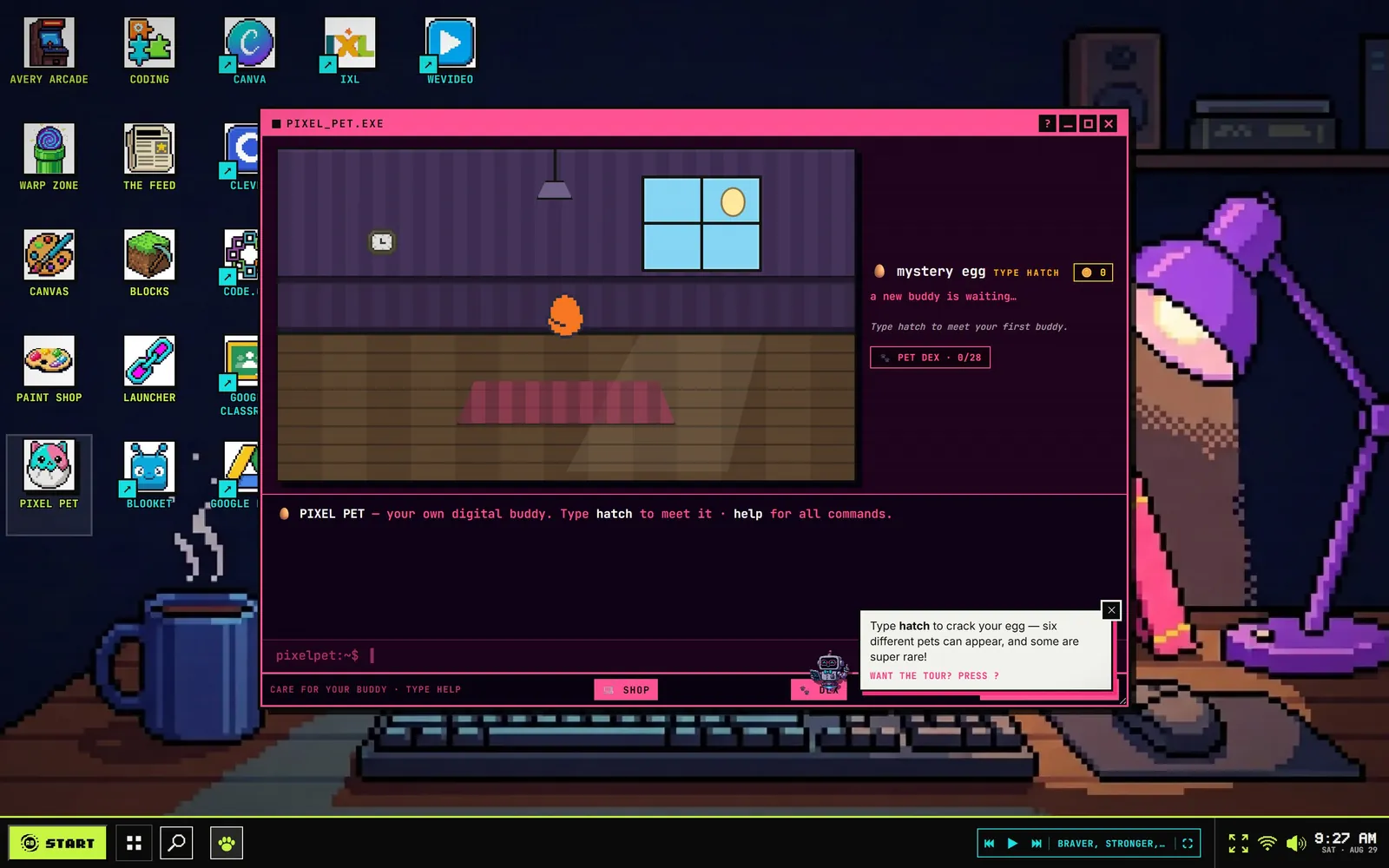
A K–5 classroom hub built as a whole desktop in the browser: pixel-art icons, real windows a child can drag and stack, a taskbar, and a digital pet that lives in a terminal. Students open an app instead of reading a list of links.
- Trade
- Elementary classroom hub
- Made
- Desktop shell, window manager, apps, arcade
- Runs on
- Vanilla JS — native ES modules, no build step
- Live at
- averybunch
.com/os
The brief
Avery Bunch OS gathers the sites and tools a K–5 class uses all week. The ordinary answer is a page of links, which asks a reader who is still learning to read to scan a column of text. This one had to be a place instead — somewhere a child can operate before anyone explains it.
Decision 01
It is a desktop, because a six-year-old already knows one.
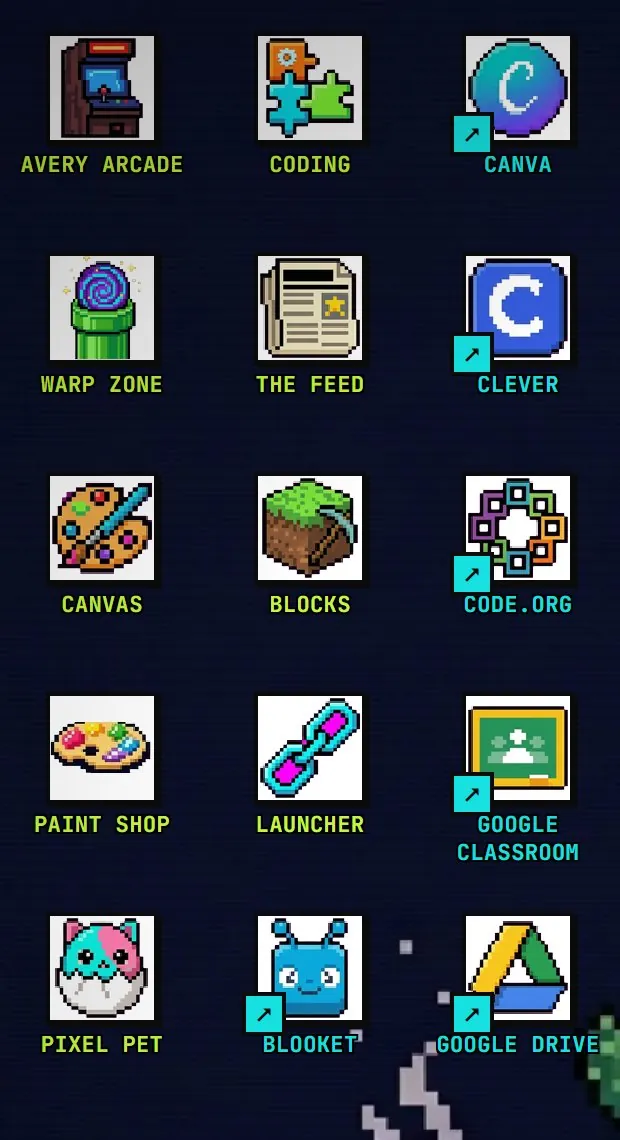
Icons on a wallpaper, windows that drag and stack, a taskbar with a clock in the corner. Nothing about the interface has to be taught: every child has watched an adult drive this exact one. One of the icons opens a terminal with a pet living in it, which is how they learn to type a command.
Decision 02
The palette is an arcade, not a classroom.
Five values, declared as five variables and used nowhere else: near-black ground, bone type, and three that only ever mean something is alive or about to be touched. School software is pastel and apologetic; this is a machine a child wants to turn on.
- Interface
- Pixeloid Sans — a pixel face at pixel sizes
- Terminal
- JetBrains Mono
- Text
- Inter
These five are the OS’s own CSS variables, not colors picked off a screenshot — every window, icon and label in it resolves to one of them.
Decision 03
And it boots. That is not decoration.
The wallpaper paints, the icons land one after another, the taskbar fills in and a window opens. It is thirty seconds of a computer starting up, which is the beat that tells a child this is theirs and it is ready.
Live · the real component, running here
The live OS, framed. Give it a few seconds and it starts up in front of you. Below 700 pixels the frame gives way to the boot clip — a whole desktop cannot be shown honestly at phone width, and pretending otherwise would be the one thing this project is against.